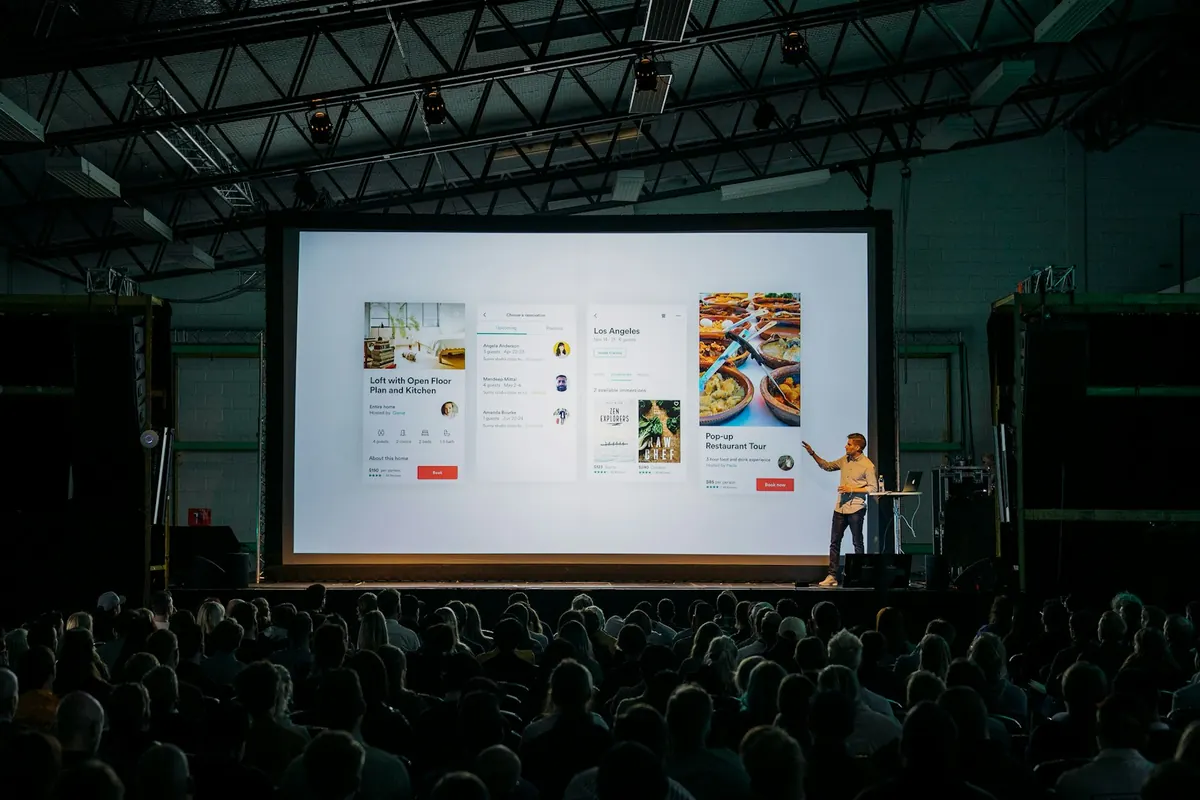
Write the story first, then let AI design the slides. A clear outline with one message per slide matters more than which tool you use.
Start with the story, not the slides
Turn these notes into a 10-slide presentation outline for [audience]. One clear message per slide as a full-sentence headline, two or three supporting points, and a suggestion for one visual. End with a single call to action. Notes: [paste]
Your tool options
- Claude: since September, Claude can create slides and documents inside any conversation.
- ChatGPT: strong for outlines, speaker notes and charts; export the content to your slide tool.
- Gamma: generates designed decks and web-style presentations from an outline.
- Canva: AI features plus brand kits and templates when the design must match a brand.
- Google Slides and PowerPoint: built-in AI assistants inside Gemini for Workspace and Microsoft Copilot.
Make AI slides look professional
- Use your brand fonts and two or three colors only.
- Replace stock icons with real screenshots or photos.
- Cut text: headlines carry the message, bullets support it.
- Check every number and chart label.
Creator’s AI Tools Vault
600+ handpicked AI tools in 30+ searchable categories, ready in Notion.
$15 · Look insideSpeaker notes that help
Ask for speaker notes that sound like you talking, not reading: “Write 60-second speaker notes for each slide in a conversational tone, including one example or story.”
Rehearse with AI
Paste your notes and ask: “What questions will a skeptical audience ask? Give me short answers.” It is the fastest way to find the weak slides.
Looking for more tools? The Creator’s Vault organizes 600+ AI tools by category in Notion.
Put it into practice
Open the free AI Model Picker: find the right assistant for the job. This article is part of The Complete Claude Guide: Models, Projects and Workflows.
Sources & further reading
Product facts were checked against official sources on 16 October 2026. AI tools change quickly, so check the provider’s current documentation for anything you rely on. Our editorial policy.