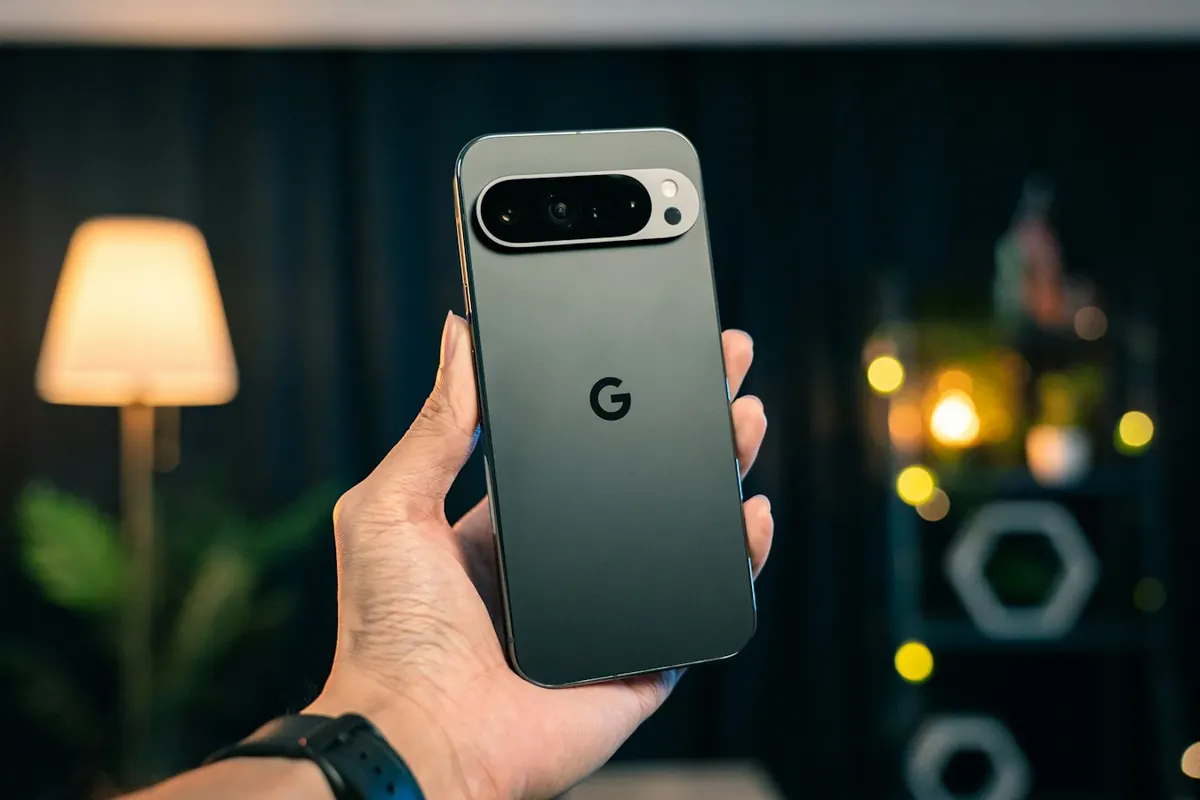
If your work lives in Google Workspace, Gemini is already where your files are. October 2026 brought Gemini 4 Argon, the start of Skills replacing Gems, Nano Banana 2.1 for images and new AI features in Gmail.
This guide shows how the pieces fit together.
What changed this fall
The updates that matter for everyday users and developers.
- Gemini 4 Argon for hard reasoning and coding
- Skills rolling out in the Gemini app
- Nano Banana 2.1 for consistent image edits
- Gmail Live and AI Inbox for paid Workspace
 Gemini 4 Argon, Skills and Nano Banana 2.1: Google’s October AI Updates
 Every AI Update That Matters This Month (October 2026)
Move from Gems to Skills
Rewrite your best Gems as focused Skills before the deadlines.
- Gems move to Settings on November 17, 2026
- One job per Skill
- Test with real inputs
 Gemini Gems Are Becoming Skills: How to Move Your Instructions
Research with NotebookLM
Answers grounded only in the sources you upload, with citations.
- One notebook per question
- Ask where sources disagree
- Check every key citation
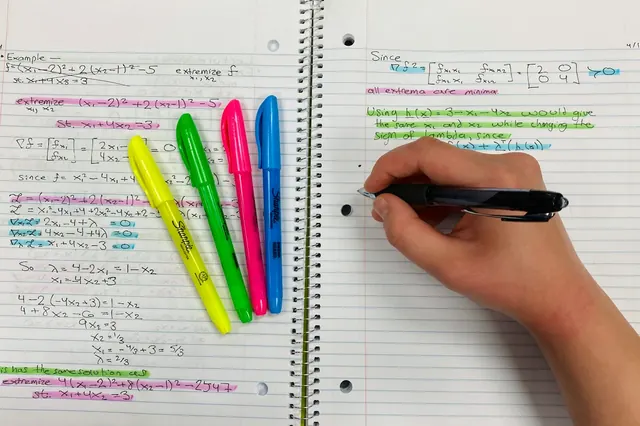 How to Use NotebookLM for Research (Grounded in Your Own Sources)
 How to Use Perplexity for Research (and When to Use Something Else)
Images with Nano Banana
Write image prompts like a photographer’s brief and edit one change at a time.
- Subject, setting, style, lighting, camera, format
- Keep the subject fixed between edits
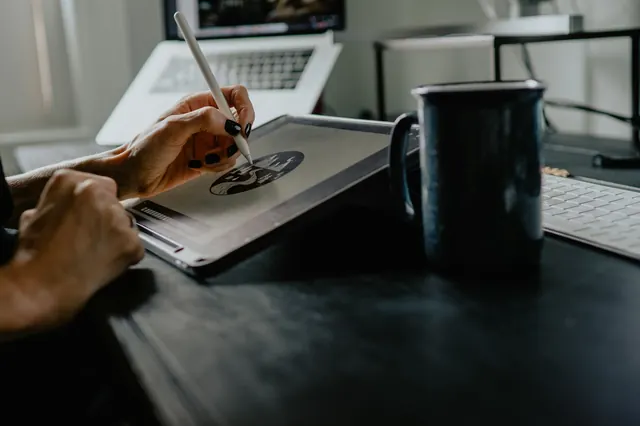 AI Image Prompts That Work: A Practical Guide for ChatGPT Images and Nano Banana
Gemini for school and work
Study smarter and work faster inside Google’s apps.
- Student hub for Workspace for Education
- Gemini in Docs, Sheets and Gmail
 The Best AI Tools for Students (and How to Use Them Honestly)
 AI for Teachers: Lesson Plans, Differentiation and Feedback
Your checklist
- Your most-used Gem rebuilt as a Skill
- A NotebookLM notebook for a current project
- An image prompt template saved
- Workspace AI settings reviewed
Recommended next step
AI Mastery Bundle
The next step after the basics: frameworks, precision prompting and a 1000+ prompt library.
$50 · Look inside