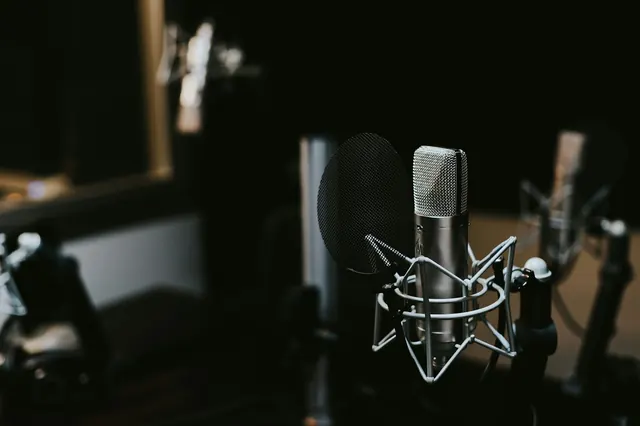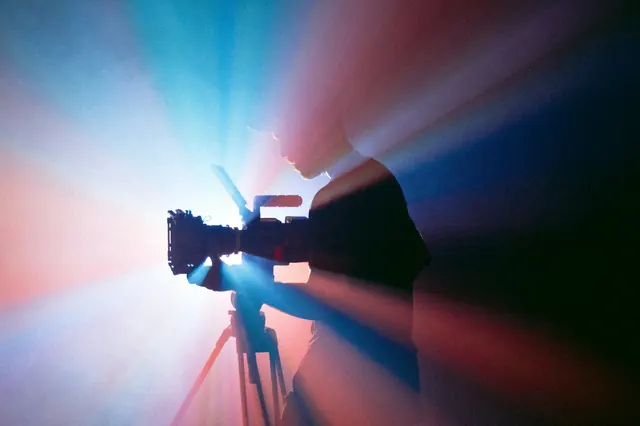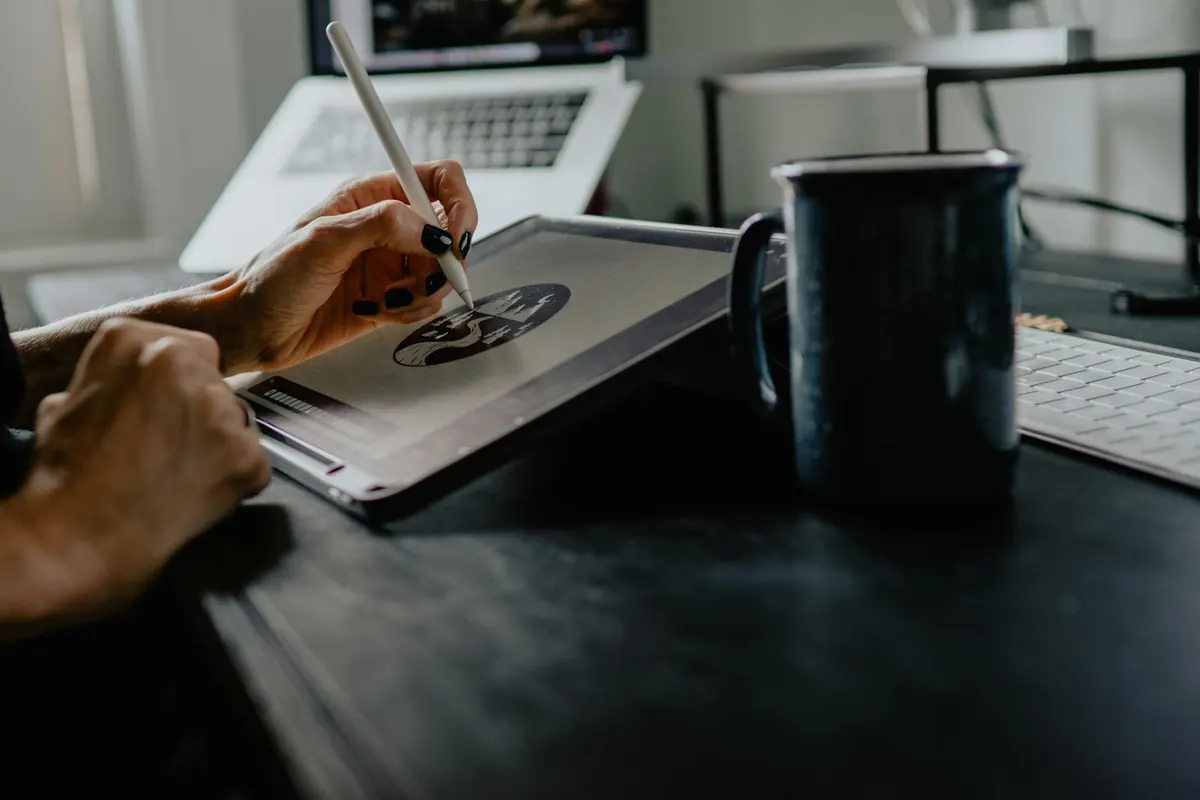
Describe the image like a photographer’s brief: who or what, where, in what light, from what angle, in what style. Then edit one change at a time.
The six-part image prompt
- Subject: who or what, with specific details (age, clothing, materials).
- Setting: where it is and what is around it.
- Style: photo, watercolor, 3D render, flat illustration, film still.
- Lighting: soft window light, golden hour, studio softbox, neon.
- Camera and composition: close-up, wide shot, overhead, shallow depth of field.
- Format: aspect ratio and what the image is for (blog header, Pinterest pin).
A complete example
A cozy home office corner with a wooden desk, an open laptop and a mug of coffee, plants on the windowsill, soft morning window light from the left, photographed at eye level with a 35mm lens and shallow depth of field, warm natural colors, realistic photo style, 3:2 aspect ratio for a blog header, no text in the image.
Edit, do not regenerate
Image models in 2026 handle step-by-step edits far better than before. Google says Nano Banana 2.1 (generally available October 6) improves multi-turn consistency and supports wide aspect ratios. Keep the subject fixed and change one thing per turn: background, then lighting, then color.
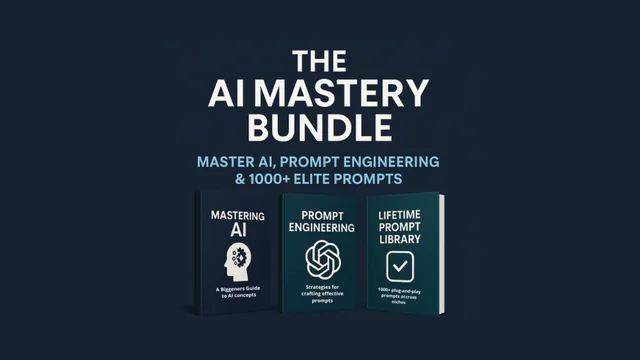
AI Mastery Bundle
The next step after the basics: frameworks, precision prompting and a 1000+ prompt library.
$50 (was $100) · Look insideText in images
If you need words on the image, put the exact text in quotes and keep it short. Check spelling carefully; it is still the most common error.
Use images responsibly
- Do not create images of real people in situations they did not agree to.
- Avoid mimicking a living artist’s signature style for commercial work.
- Check each platform’s rules on AI-generated images and labeling.
Build prompts quickly with our Image Prompt Builder.
Put it into practice
Open the free Image Prompt Builder: describe the picture in your head, precisely. This article is part of The Complete Gemini & Google AI Guide.
Sources & further reading
Product facts were checked against official sources on 16 October 2026. AI tools change quickly, so check the provider’s current documentation for anything you rely on. Our editorial policy.