
AI News & Updates
What changed this month in ChatGPT, Claude, Gemini and the tools around them, explained in plain English with sources.

GPT-6 and Intelligent UI: What Changed in ChatGPT (October 2026)
GPT-6 arrived on 7 October with Intelligent UI — answers that mix text, diagrams, calculators and comparisons. Here is what it does, who gets which model, and how to prompt for it.

Claude Opus, Sonnet and Haiku 5.5: Which Claude Model Should You Use?
Anthropic released three Claude 5.5 models in three weeks. A practical guide to what each one is for, how they relate to Fable and Mythos 5.1, and how to choose without overthinking it.

Gemini 4 Argon, Skills and Nano Banana 2.1: Google’s October AI Updates
Google made Gemini 4 Argon generally available, started rolling out Skills to replace Gems, and shipped Nano Banana 2.1 for images. What each update means in practice.

ChatGPT Dots, Space and Pages: The New Always-On Workspace, Explained
On 29 September OpenAI introduced dots (always-on agents), Space and Pages. What they are, who can use them, and how to give an agent a goal without losing control.

Every AI Update That Matters This Month (October 2026)
GPT-6, Claude Haiku 5.5, Gemini 4 Argon, Skills, audio uploads, new voices and more — the October 2026 AI updates that change how you work, with what to try for each.
Guides that cover this topic
 Beginner to advanced
The Complete ChatGPT Guide (2026 Edition)
Everything you need to use ChatGPT well in 2026: GPT-6 and Intelligent UI, prompting, Projects and memory, voice and audio, Deep Research, agents and staying safe.
6 chapters · Read the guide Beginner to intermediate
The Complete Claude Guide: Models, Projects and Workflows
How to use Claude well in 2026: choosing between Opus, Sonnet and Haiku 5.5, setting up Projects, working with long documents, creating docs and slides, and making usage last.
5 chapters · Read the guideBeginner to intermediateThe Complete Gemini & Google AI Guide
Gemini 4 Argon, Skills, NotebookLM, Nano Banana and Gemini in Gmail and Docs: how to use Google’s AI tools for research and everyday work.
5 chapters · Read the guideFree tools for this topic
Prompt Builder
Build a complete prompt with the 6-part framework.
AI Model Picker
Find the right assistant for the job.
Custom Instructions Generator
Write instructions your assistant remembers.
Automation Time & ROI Calculator
See what automating a task is really worth.
AI Subscription Audit
Stop paying twice for the same AI features.
Products for this topic
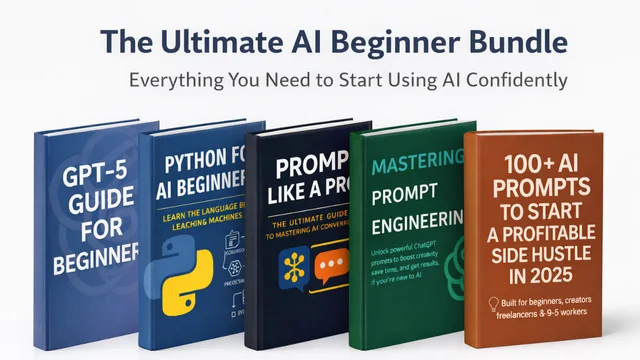
AI Beginner Bundle
Five beginner guides that take you from AI-curious to AI-confident.
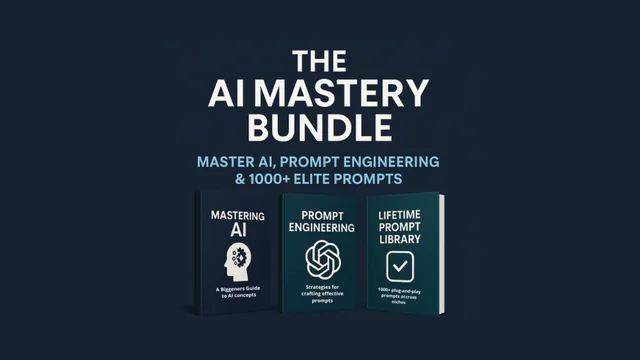
AI Mastery Bundle
The next step after the basics: frameworks, precision prompting and a 1000+ prompt library.
AI Agents Guide
Understand, build and sell your first AI agent — with no-code and code paths.
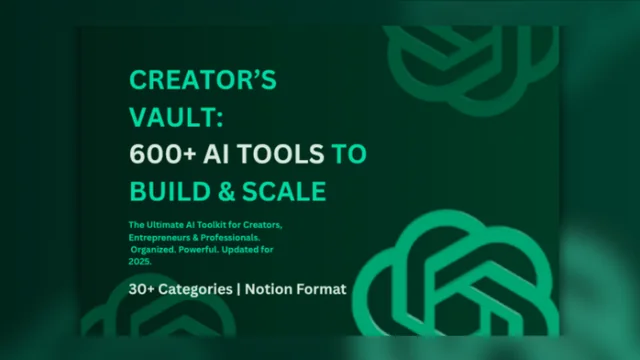
Creator’s AI Tools Vault
600+ handpicked AI tools in 30+ searchable categories, ready in Notion.
Keep exploring
Prompt Engineering
Frameworks, fixes and before-and-after examples that turn vague requests into reliable output.
8 articlesChatGPT
Projects, memory, voice, custom instructions and Deep Research: the habits that get more from ChatGPT.
6 articlesClaude
Learn Claude properly: models, Projects, artifacts, documents and how to make your usage last longer.
2 articlesGemini & Google AI
Gemini, NotebookLM, Skills and Google Workspace AI, set up for research and everyday work.
2 articles