
Voice is best for thinking out loud: brainstorming, practicing conversations and learning on the go. Give it a role and a goal at the start, just like a typed prompt.
What changed in October 2026
On October 15, OpenAI rolled out GPT-Live-1.1 and a smaller GPT-Live-1.1 Quip model in ChatGPT Voice. Voices sound more natural across languages, and Live uses short phrases to tell you when it is searching. New voices include options for French, German, Hindi, Japanese, Korean and Mexican Spanish, plus a new English voice. Availability can vary by region and account.
Set it up in a minute
- Open ChatGPT and go to Settings, then Voice.
- Pick the voice you like; you can change it any time.
- Start a voice conversation from the waveform button in a chat.
- Use headphones in noisy places so it does not hear itself.
Where voice beats typing
- Brainstorming while walking or driving (hands-free, eyes on the road).
- Rehearsing a job interview, a pitch or a difficult conversation.
- Practicing a language with instant correction.
- Talking through a decision until you hear your own reasoning.
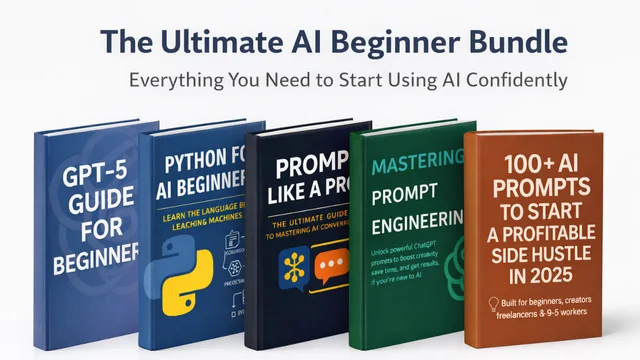
AI Beginner Bundle
Five beginner guides that take you from AI-curious to AI-confident.
$0+ · Look insideStart with a role and a goal
Act as a hiring manager for a [role] position at a mid-size US company. Ask me one interview question at a time. After each answer, give me one strength and one thing to tighten, then ask the next question.
Turn the talk into notes
When you finish, switch back to text and ask: “Summarize this conversation into decisions, open questions and next steps.” Voice is for thinking; text is for keeping.
Add your preferences to custom instructions so voice answers stay short and direct.
Put it into practice
Open the free Custom Instructions Generator: write instructions your assistant remembers. This article is part of The Complete ChatGPT Guide (2026 Edition).
Sources & further reading
Product facts were checked against official sources on 16 October 2026. AI tools change quickly, so check the provider’s current documentation for anything you rely on. Our editorial policy.